DocuWare Aura is part of new DocuWare, the integrated platform for intelligent document work. As a built-in AI assistant, DocuWare Aura finds, summarizes and compares the information that is already in your documents, so you can decide with the full picture in front of you.
You work with DocuWare Aura in the new DocuWare Client: you ask a question in your own words. DocuWare Aura reads the content of the documents, and it answers in the language of your question.
AI agents can work with DocuWare Aura through the Aura API as well. DocuWare remains the secure foundation for your documents, because DocuWare Aura follows the permissions already set in your system.
Components: New DocuWare Client, DocuWare Cloud, DocuWare Aura API
Applications
DocuWare Aura answers questions across all document types in your archives, so the range of possible questions is wide. The following examples show a few typical scenarios from different departments.
Accounts payable: an invoice shows an unexpected charge. Ask "Is this delivery surcharge covered by our supplier agreement?" DocuWare Aura locates the relevant contract clauses and shows whether the invoice matches the agreement.
Finance: ask "Which documents may affect the current month-end closing?" DocuWare Aura reviews recent contracts, purchase commitments, open invoices and financial documents, so the closing starts with a complete picture.
Management: ask "Which key customers have contractual obligations that differ from our standard terms?" DocuWare Aura searches customer agreements, deviations and special terms, and answers in plain language with references to the original documents.
Connected data sources: add DocuWare Aura to your AI orchestration agent through the DocuWare Aura API, and combine the knowledge in DocuWare with data from your CRM, ERP or other business applications.
Benefits
Faster, well-informed business decisions, because every answer comes with the documents it is based on
Research in plain language, without knowing index terms or where a document is filed
Knowledge from many documents at once: a single value, a summary, or a comparison across contracts
Your existing permissions apply, so each user gets answers only from the documents they may see
Here's how
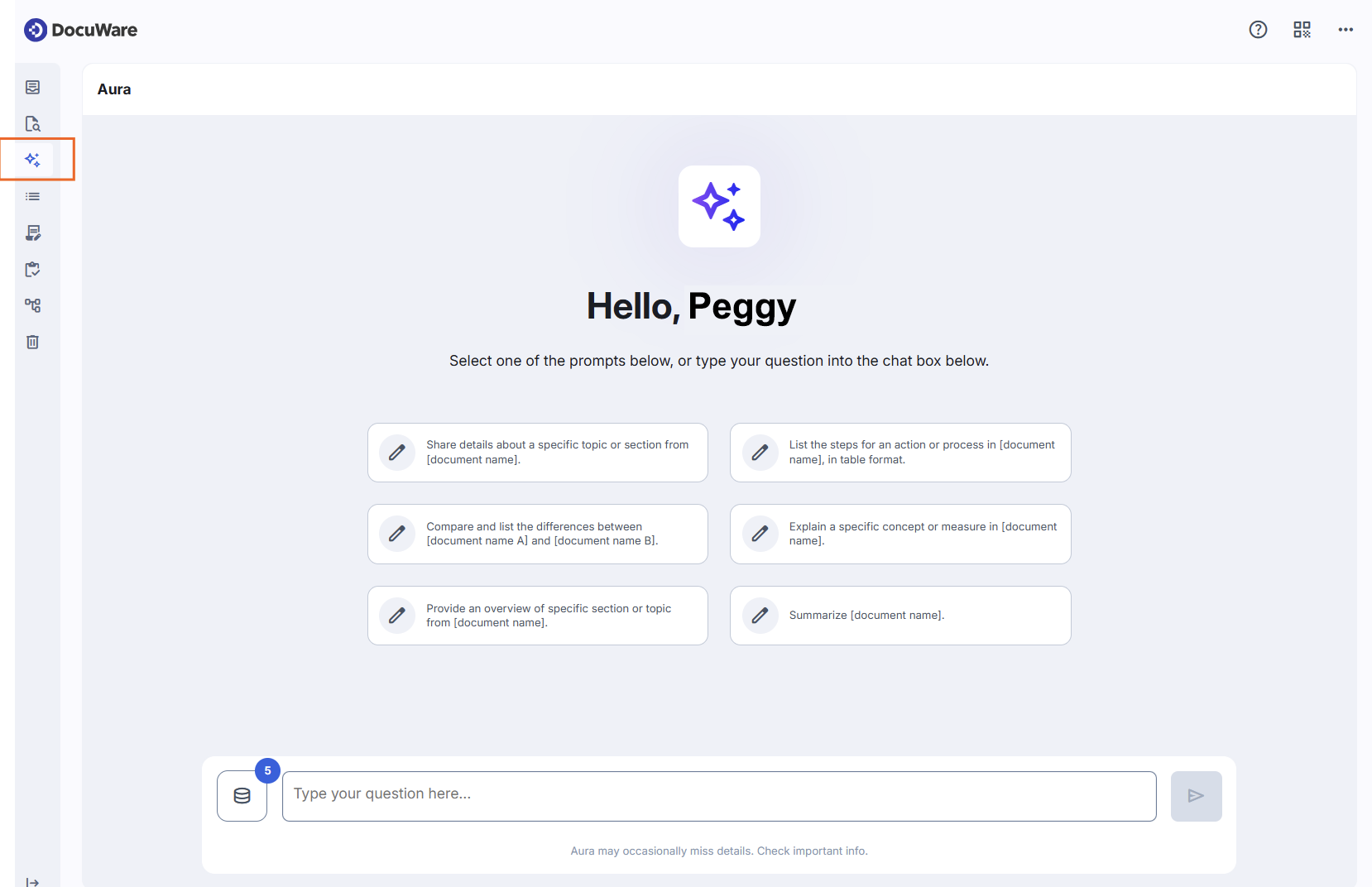
DocuWare Aura is available in DocuWare Cloud, in the new DocuWare Client. You can ask a general question and let DocuWare Aura choose the documents itself, ask about a selection of up to 15 documents out of the search result list, or ask about the one document you have open. Every answer references the documents it used, so you can open them and see the answer confirmed in the source.
For a general question, you ask in the left sidebar, without selecting documents first. DocuWare Aura answers from the documents in the file cabinets it has access to, and shows which of them the answer is based on.
In a document search result list, you select up to 15 documents and use the DocuWare Aura icon to ask about those documents.
For a question about a document displayed in the viewer, use the DocuWare Aura icon to open DocuWare Aura.
Your permissions apply in all three cases. DocuWare Aura uses only documents you are allowed to see, and it respects index field permissions as well. A document you don't have access to is not considered for your answer. Two colleagues with different permissions can therefore receive different answers to the same question.
For questions via the sidebar, your administrator has to define which file cabinets and documents DocuWare Aura may access. See DocuWare Aura configuration. For questions about documents you select yourself, nothing has to be configured. This applies both to a search result list and to the viewer.
For access to DocuWare Aura through the Aura API, see DocuWare Developer Documentation.
DocuWare Aura is trained and tested for English and German and gives the most precise answers in these languages. Documents and questions in other languages also work, but the answers can be less exact.
DocuWare Aura: availability and flat fee
DocuWare Aura is available in DocuWare Cloud and requires the new DocuWare Client. On-premises systems don't have DocuWare Aura for now.
Every DocuWare Cloud organization starts with an included Freemium volume, so you can try DocuWare Aura with your own documents. It covers a limited number of prompts and a limited number of documents as an information source.
For regular use, a consumption-based subscription is available, with discount tiers by volume. Your DocuWare contact will advise you on the options.