Overview
DocuWare IDP extracts data fields from documents such as invoices, bank statements, and delivery notes. Clearly defining these data fields, such as invoice numbers or dates, ensures accurate extraction and reliable results. This is especially important when training a custom extraction model, as incomplete or unclear field definitions can lead to errors.
For documents that require extraction using a custom AI model, the exact setup and step-by-step process are detailed in our Custom Extraction tutorial.
Article scope
This article covers the DocuWare IDP platform and its features. DocuWare configurations are not covered here.
Data Field Types
Data fields are specific pieces of information or data extracted from documents. Examples include invoice numbers, customer details, or all payment information.
When creating a custom extraction model, you can specify which data fields the AI should extract from documents. This allows precisely filtering the information that is relevant for business processes.
A distinction is made between Basic Types and Advanced Types.
To reach this step, follow the process up to adding the field types, which comes after you have set up your IDP extraction workflow. Please refer to our tutorial on Custom Extraction for more details.
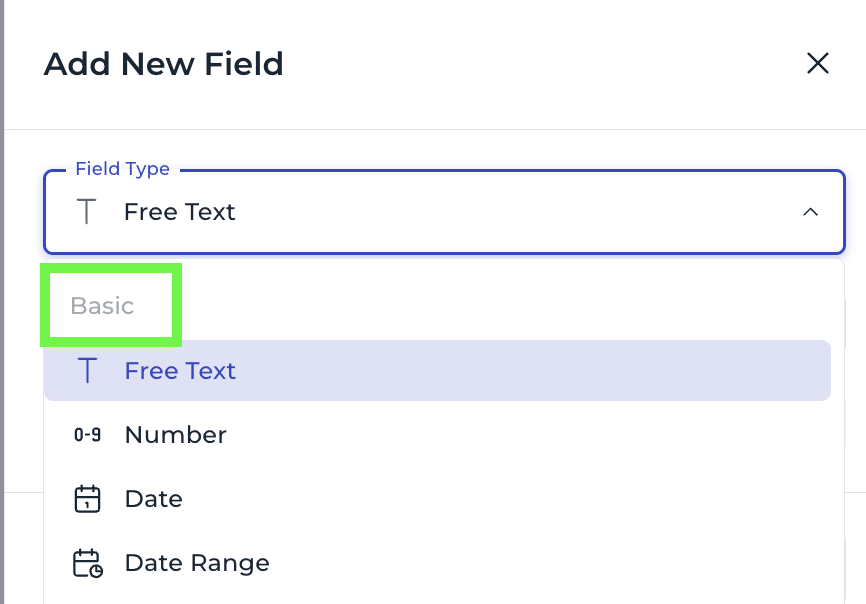

Basic Types
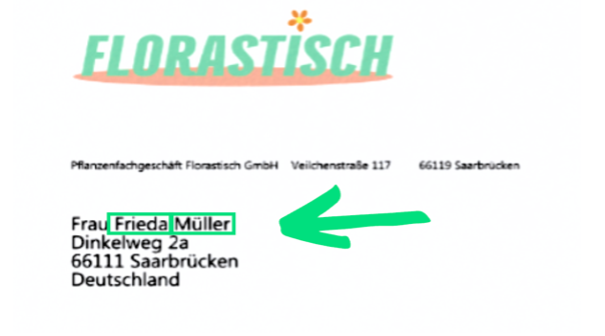
Free Text: unformatted text, e.g., names, addresses, or descriptions.
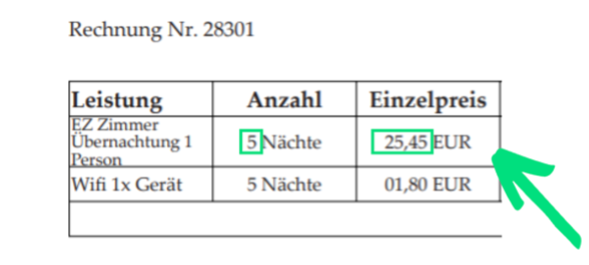
Number: numeric values, e.g., price, quantity, or units.
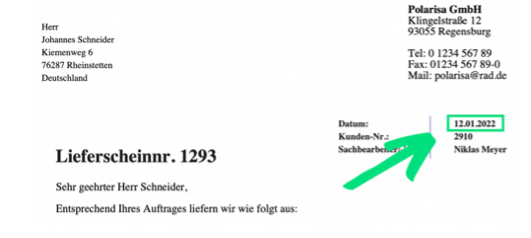
Date: Based on the extraction format ‘YYYY-MM-DD’ format, e.g., birth date, delivery date, document date for structured and consistent time data.
Identifier: alphanumeric identifiers such as tax IDs, order numbers, or customer IDs.
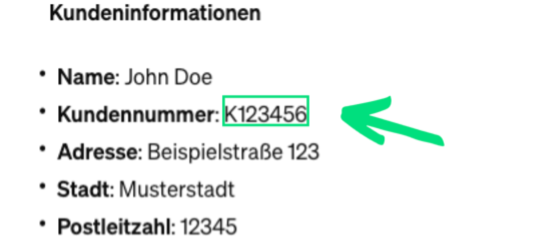
Basic Types
Basic types are data fields that contain a single value, such as a name or date. The basic types are free text, number, date, and identifier.
Advanced Types
Combined: a combination of multiple basic fields, e.g., Name + Address + Customer ID as “Customer Data.”
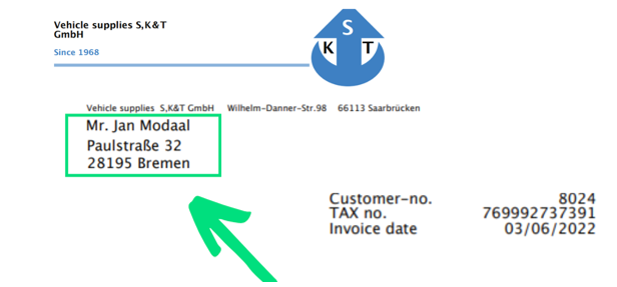
List: allows organizing multiple pieces of data, either individually or together — useful for capturing and analyzing information that is available in a specific order or as a group e.g. order numbers (Identifiers), IBANs (Identifiers) and items extracted using Combined.
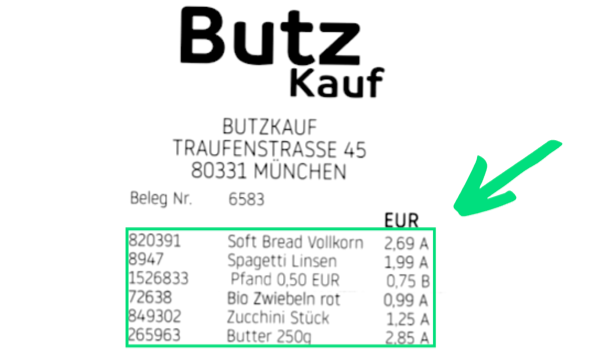
Table: tabular data with rows and columns — ideal for invoice items, product lists, or repeating data.
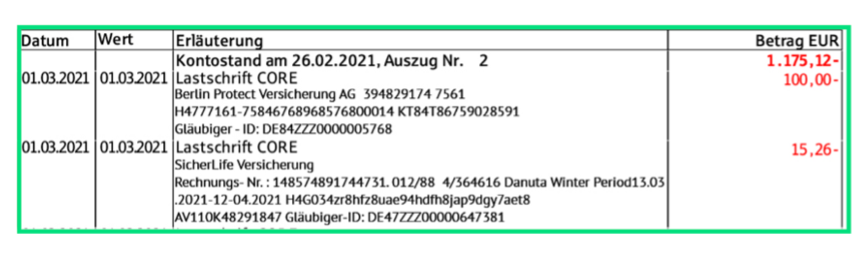
Advanced Types
Advanced Types group several basic types together, so that data fields can be structured hierarchically. For example, an advanced type might include Name (Free Text) and Age (Number).
Ensure Accurate Extraction for Reliable Document Processing
After defining data fields, extract information from documents with accuracy. This ensures consistent processing and enables reliable analysis of document data for business processes.